
Matterport use cases give businesses a practical way to turn physical spaces into interactive digital twins. This resource center brings together industry-specific articles for teams that need clearer visual marketing, remote access, property documentation, or a consistent record of a space as it changes over time.
From a single customer-facing location to a national portfolio, a Matterport capture can help stakeholders understand a site without relying on a static photo gallery or an in-person visit. The right approach depends on the job to be done: attracting prospects, planning a renovation, documenting existing conditions, supporting leasing, or helping distributed teams review the same space from anywhere.
Home Builder Photography and Property Marketing
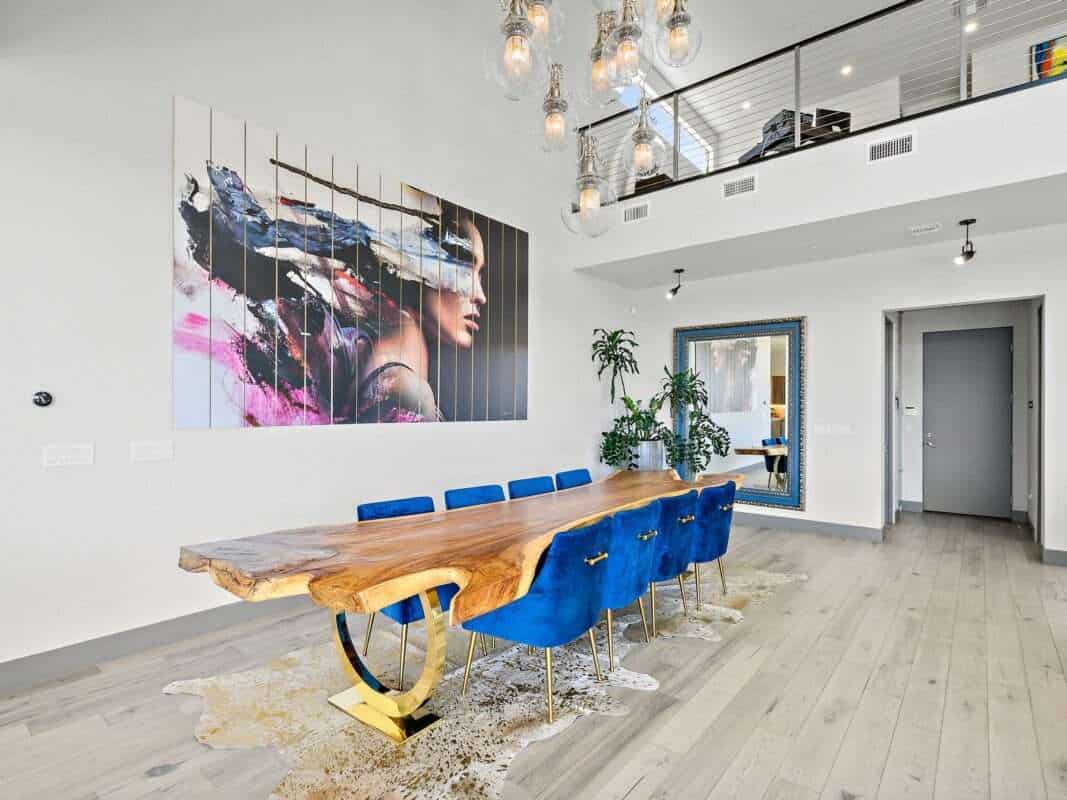
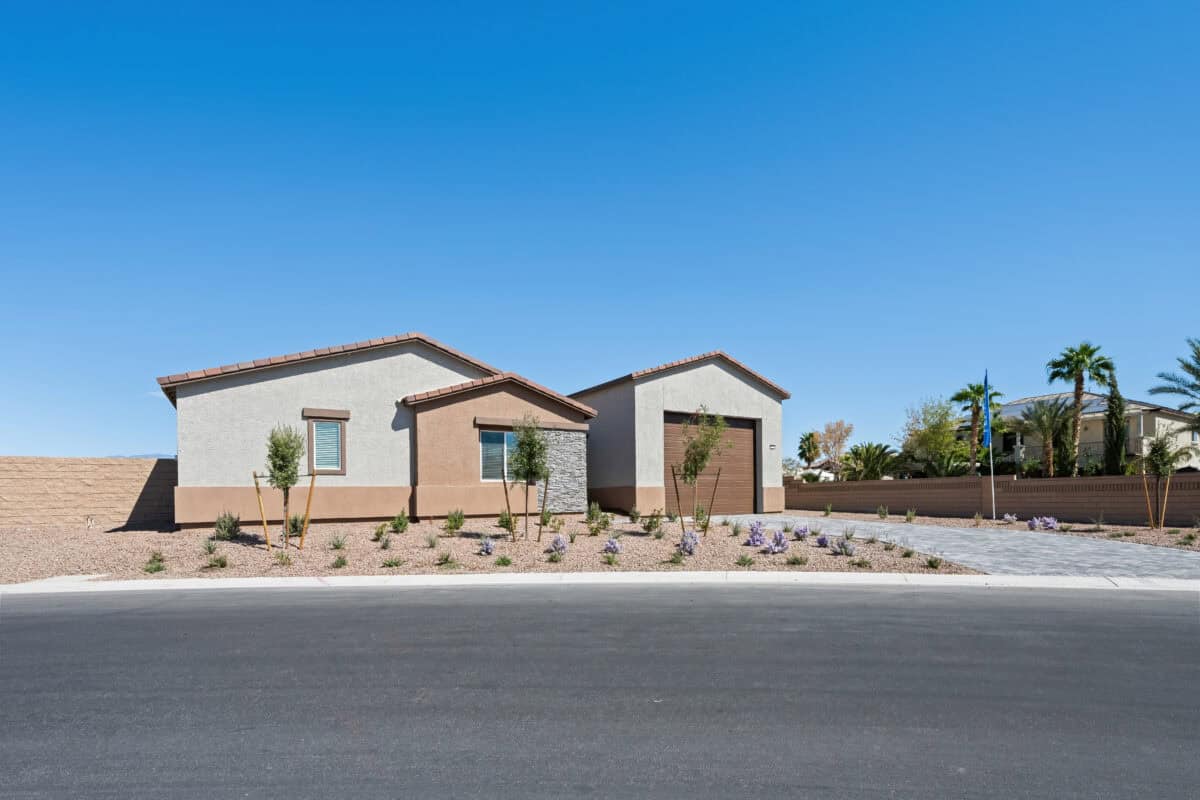
Building a media program for model homes, new communities, or standing inventory? Our dedicated Home Builder Photography, 3D Tours & Property Marketing guide brings together photography, Matterport, drone imagery, Zillow tours, floor plans, and Power Packs.
- Plan property readiness, capture scope, and published pricing benchmarks.
- Explore dedicated builder ordering, built-in discounts, and transparent pricing.
- Give regional marketing teams a central portal for downloading completed assets.
How businesses use Matterport digital twins
- Commercial real estate: Brokers, owners, and property managers can give prospective tenants or buyers an immersive way to explore offices, retail suites, industrial facilities, and common areas before scheduling a visit.
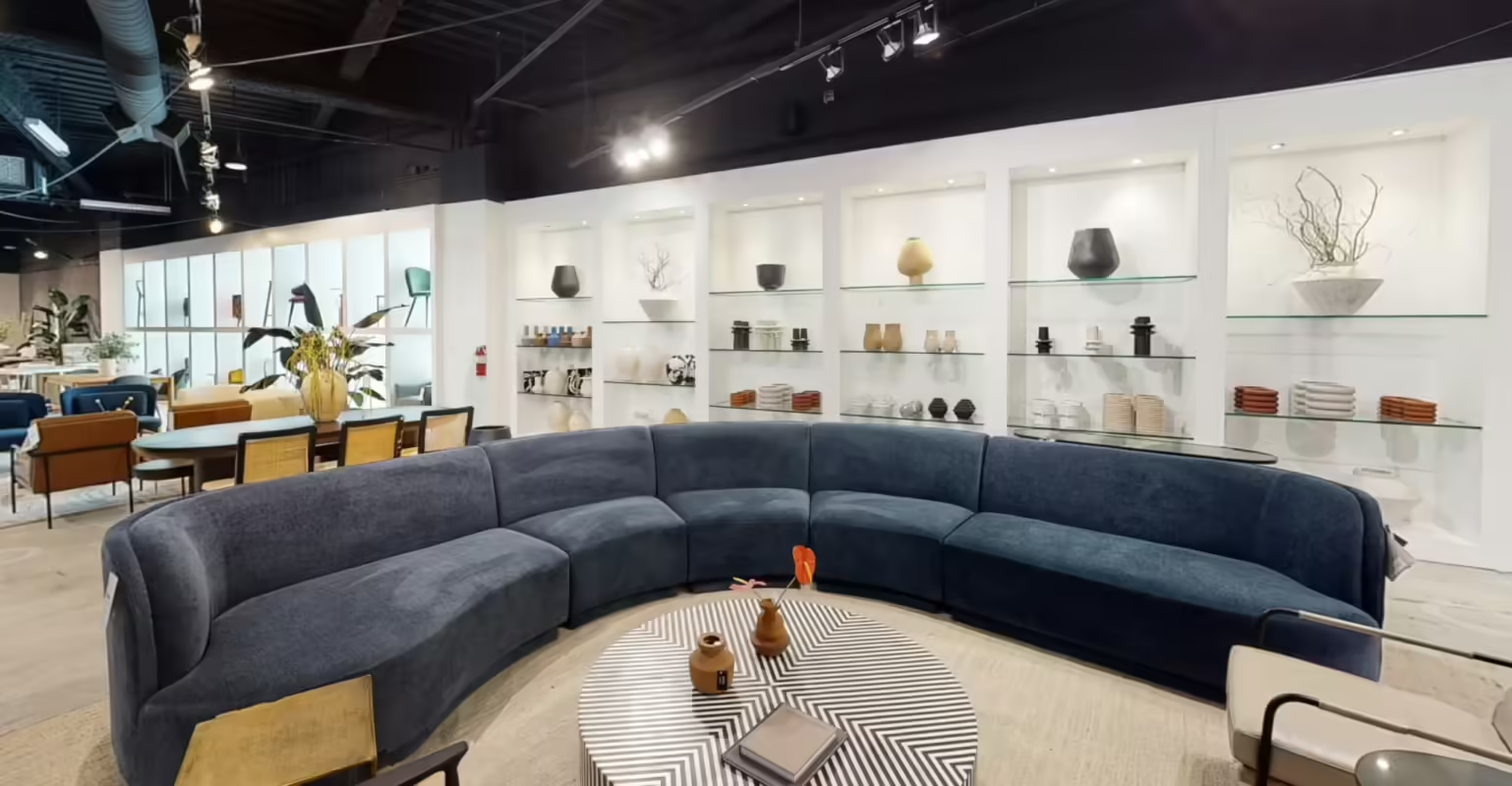
- Retail and showrooms: Retail teams can use virtual tours to extend product discovery online, document visual merchandising, support seasonal planning, and help multi-location teams compare layouts and brand standards.
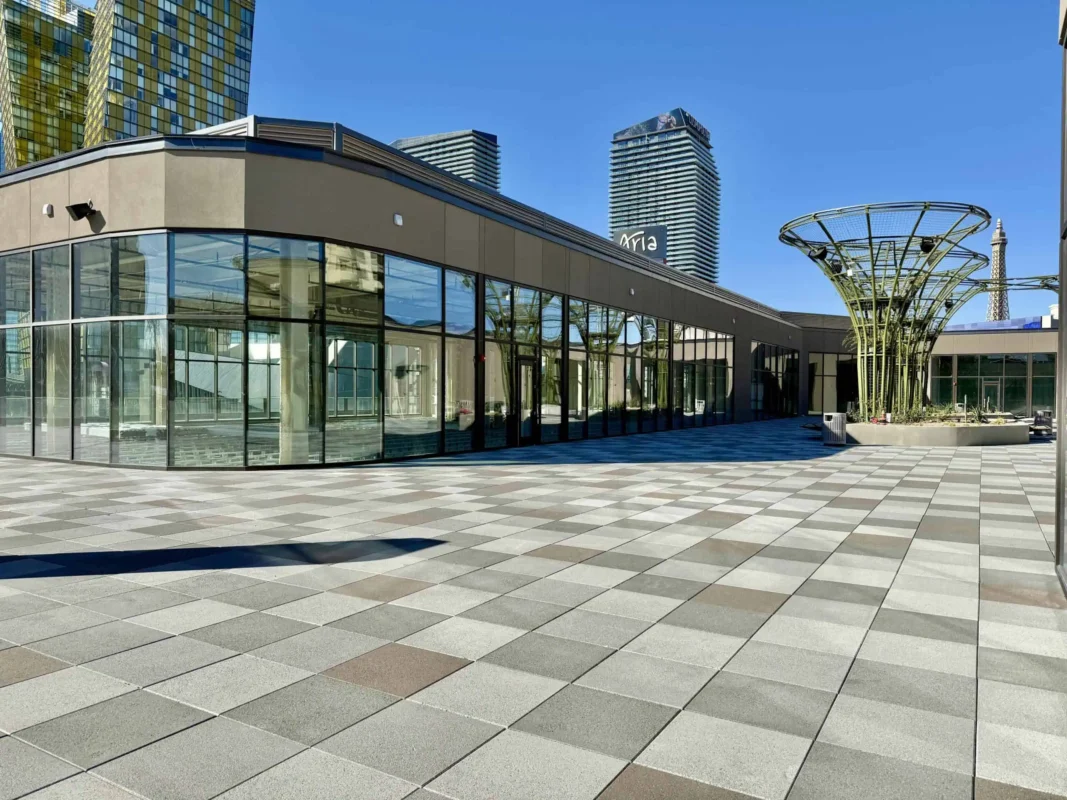
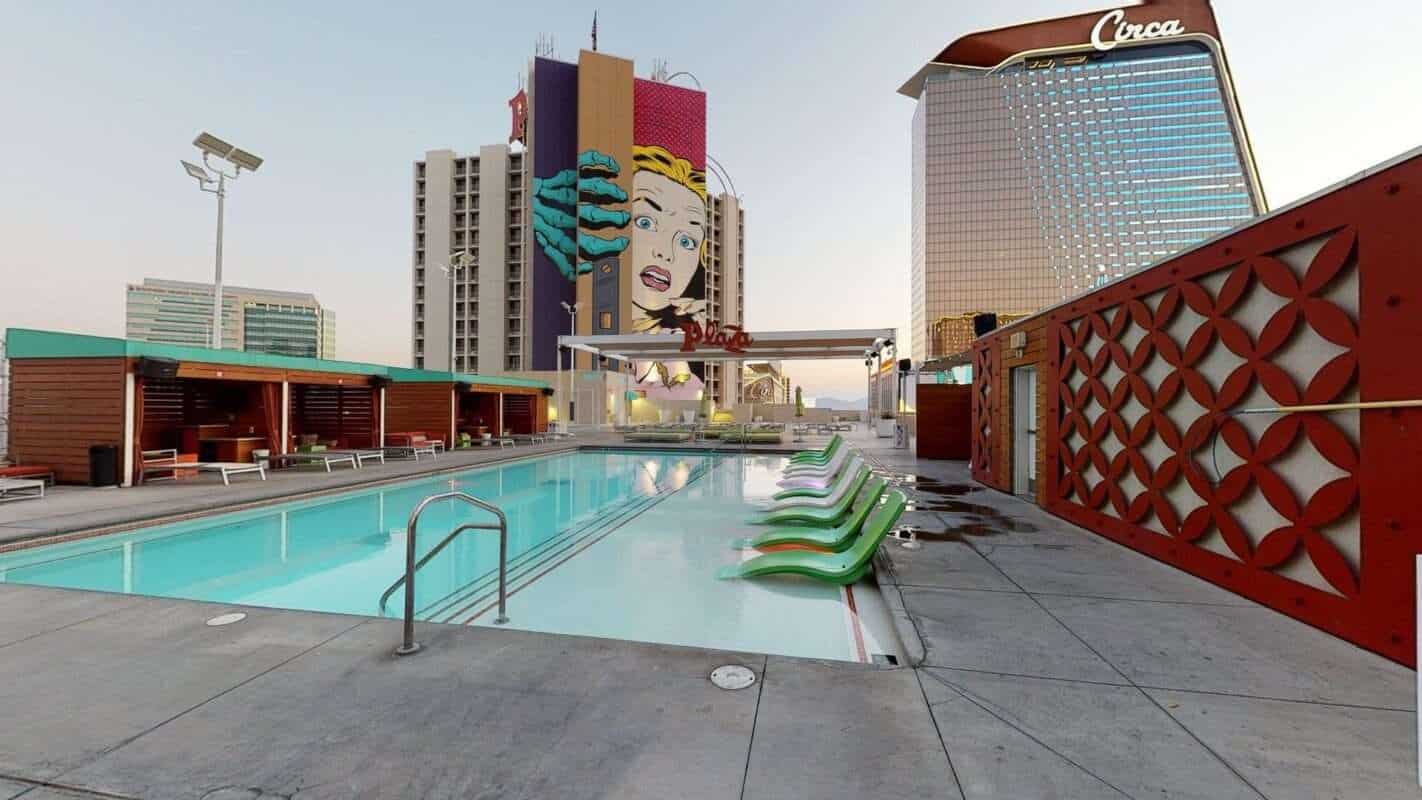
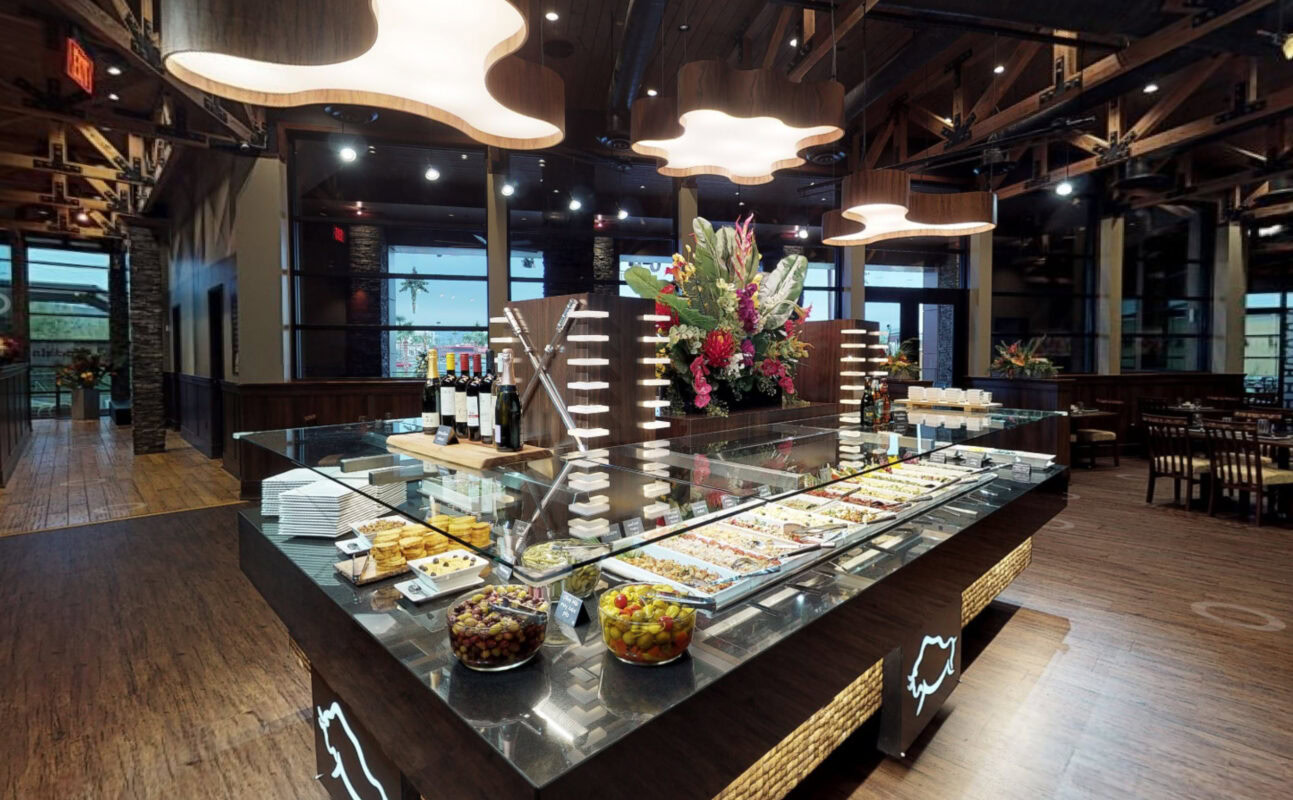
- Hospitality and venues: Hotels, casinos, restaurants, and event spaces can showcase guest areas, meeting rooms, amenities, and available spaces while helping planners understand scale and flow.
- Construction and facilities: Project teams can create a visual record for as-built conditions, progress documentation, site surveys, remote coordination, maintenance planning, and handoff discussions.
- Manufacturing and infrastructure: Operations teams can use detailed spatial context to communicate facility layouts, equipment surroundings, safety considerations, and maintenance needs across locations.
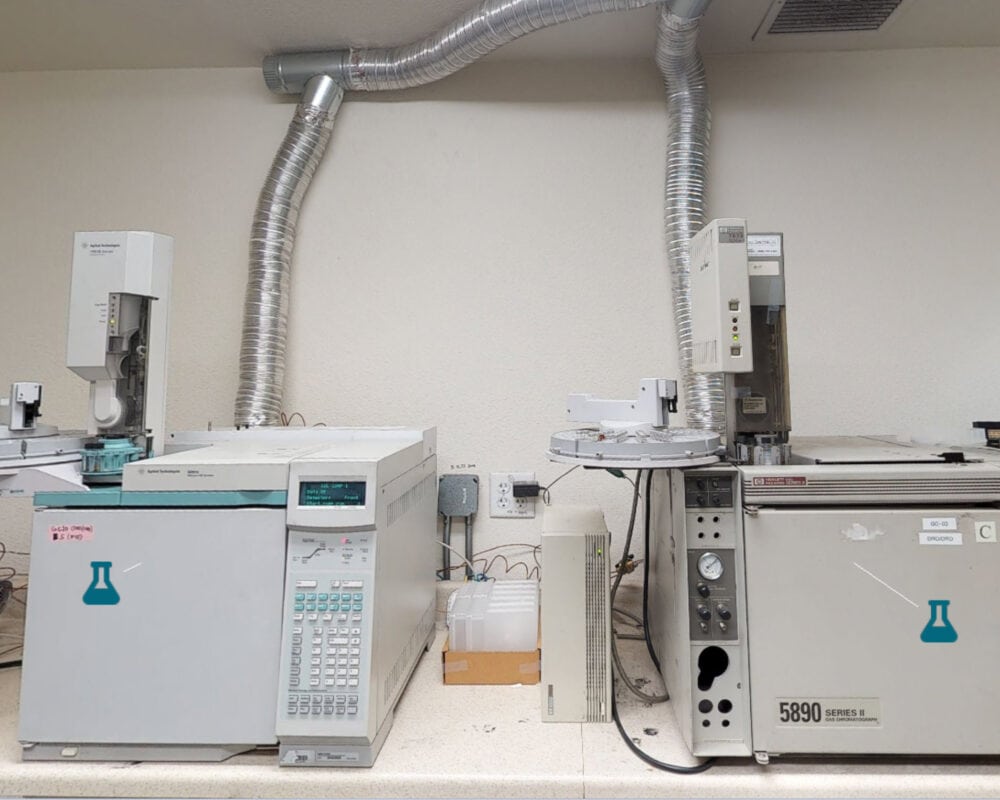
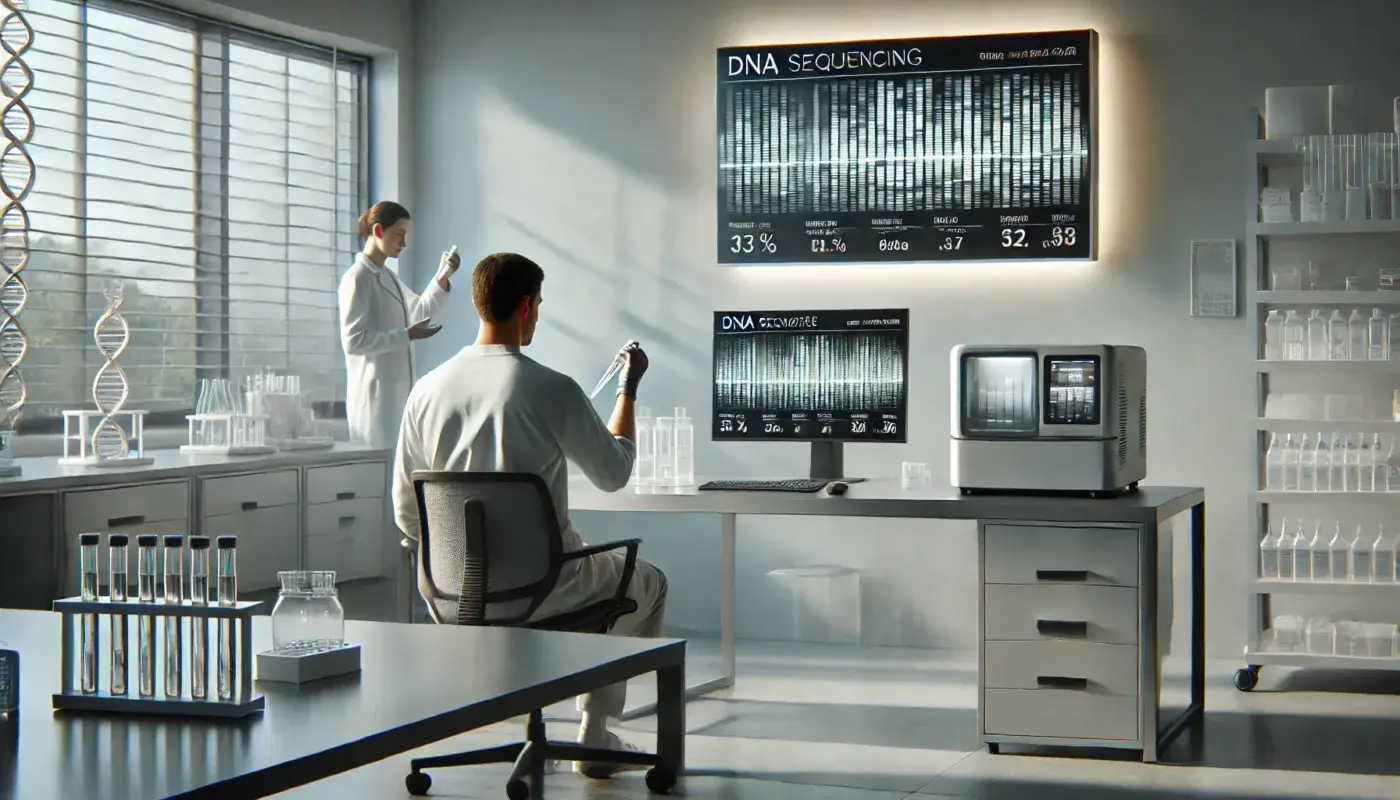
- Laboratories and specialized environments: Digital twins can support orientation, documentation, process review, and collaboration while reducing unnecessary access to sensitive or controlled spaces.
Choose an article by your business goal
The articles below are organized around real decisions that teams face. If your priority is customer engagement, start with the retail, showroom, restaurant, or hospitality examples. If you need an operational record, explore the manufacturing, laboratory, infrastructure, construction, and facilities content. Real estate and marketing teams can also review articles on 3D tours, photography, search visibility, and listing presentation.
Each use case explains how a Matterport virtual tour can fit into an existing workflow rather than replace it. A tour can be paired with photography, floor plans, Mattertags, property webpages, or other assets when those tools help an audience make a more confident decision. For multi-site programs, the same capture standards and delivery process can be applied across a portfolio so that local teams and corporate stakeholders work from a consistent visual reference.
Matterport Use Cases: From Research to Action
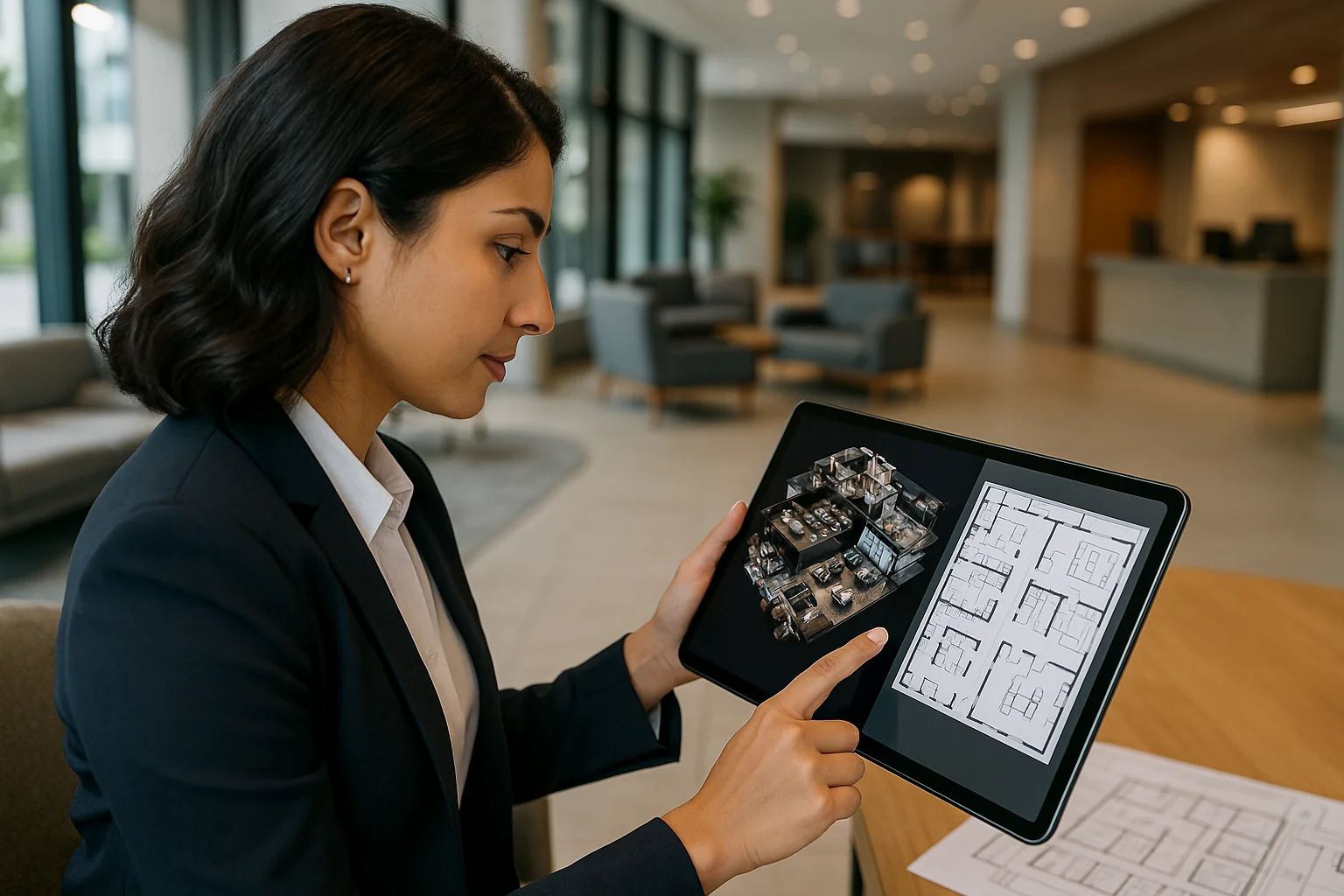
Use these Matterport use cases to identify the audience, decisions, and details that a digital twin should support before scheduling a capture. A focused brief helps teams decide which areas need to be documented, which stakeholders need access, and whether photography, floor plans, Mattertags, or other companion assets will make the deliverable more useful.
When comparing Matterport use cases across industries, review a close example and the workflow behind it—not just the finished tour. For instance, the retail virtual-tour article explains how a customer-facing space can support product discovery and merchandising, while the construction and facilities resources focus on documentation and coordination.
Plan a capture program that can scale
Before commissioning a digital twin, identify who will use it, what they need to learn from it, and how long the asset should remain useful. That helps determine the right areas to capture, the details to document, and the links or annotations that will make the tour actionable. It also keeps the deliverable focused on the needs of sales, operations, project management, facilities, or customer experience teams.
Step By Step 3D provides nationwide Matterport capture services for single sites and coordinated multi-location work. Browse the articles in this collection to see relevant examples, then use the project contact form to discuss the scope, locations, and outcomes your team needs.